How it works
Here is how organizers, and the vendors who sell at their events, turn what is coming up into posts they approve, followed through one night market.
Sign UpStep 1
Bring what you have
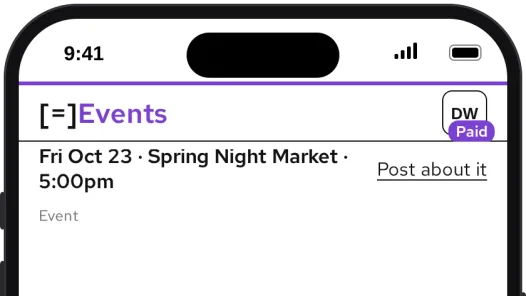
Add your upcoming events and give each one its own hashtag. Add your website and we read your logo, colors and a summary of your voice from it. Connect your Facebook page and Instagram account once.
Step 2
Pick a starting point
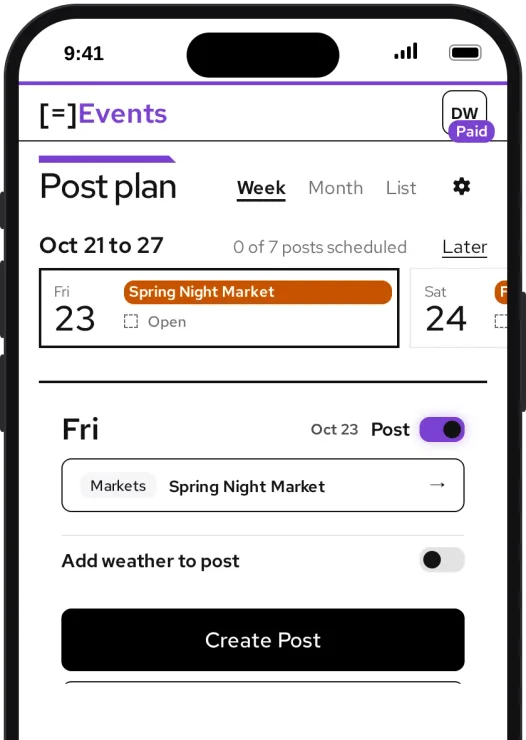
Pick Friday’s market, a post from your blog, a friend’s blog or an industry blog, or type one sentence. You get a draft post: its words, written in your voice, for you to read.
Step 3
Add an image, then a video
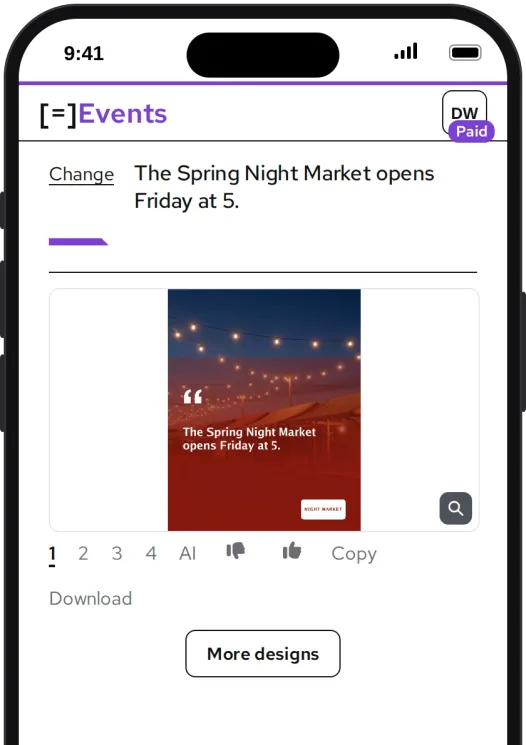
Turn the draft into an image, sized for Instagram, or use a photo from your last event instead. Then turn that image into a short video. The image is its first frame, so the two always match.
Step 4
Approve it
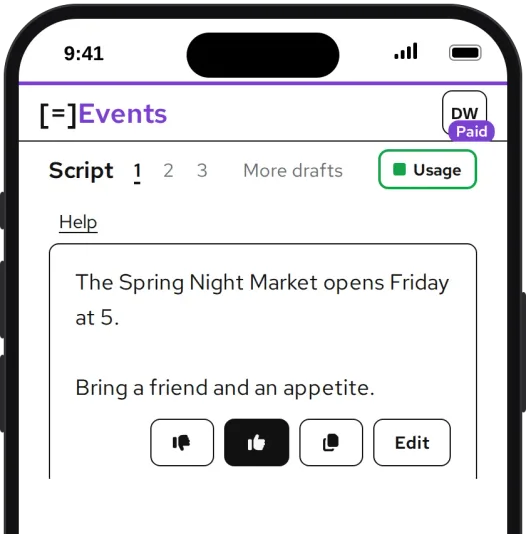
Read the draft for Friday’s market and give it a thumbs up or down. Nothing goes out until you publish it, and each of your vendors approves their own posts. Every thumbs up, thumbs down and edit teaches it your voice. The Voice page shows how it has shifted.
Step 5
Post now or schedule it
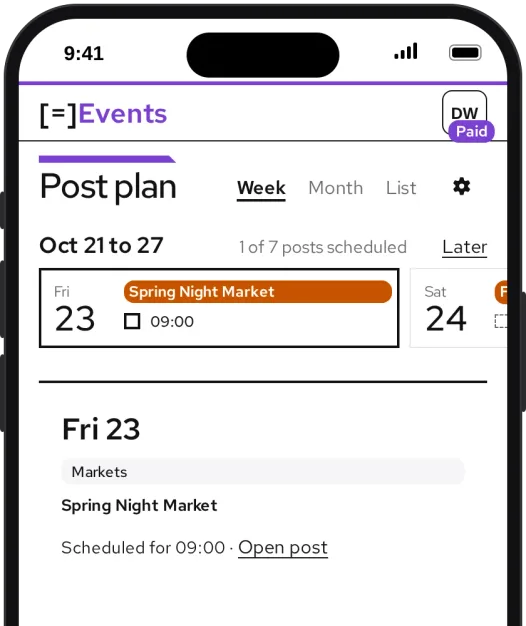
Choose which of your accounts each post goes to, and post now or pick a time, like 9:00 on the morning of the market. Your posting calendar shows what is planned and what has gone out.
Step 6
Vendors post the run-up too
Give your vendors your code. When they join, your events show up on their posting calendar, so they post about them in the run-up. Each vendor still approves their own posts.
On a vendor’s calendar: Spring Night Market, Friday, ready for a run-up post